Tools
Piano Roll
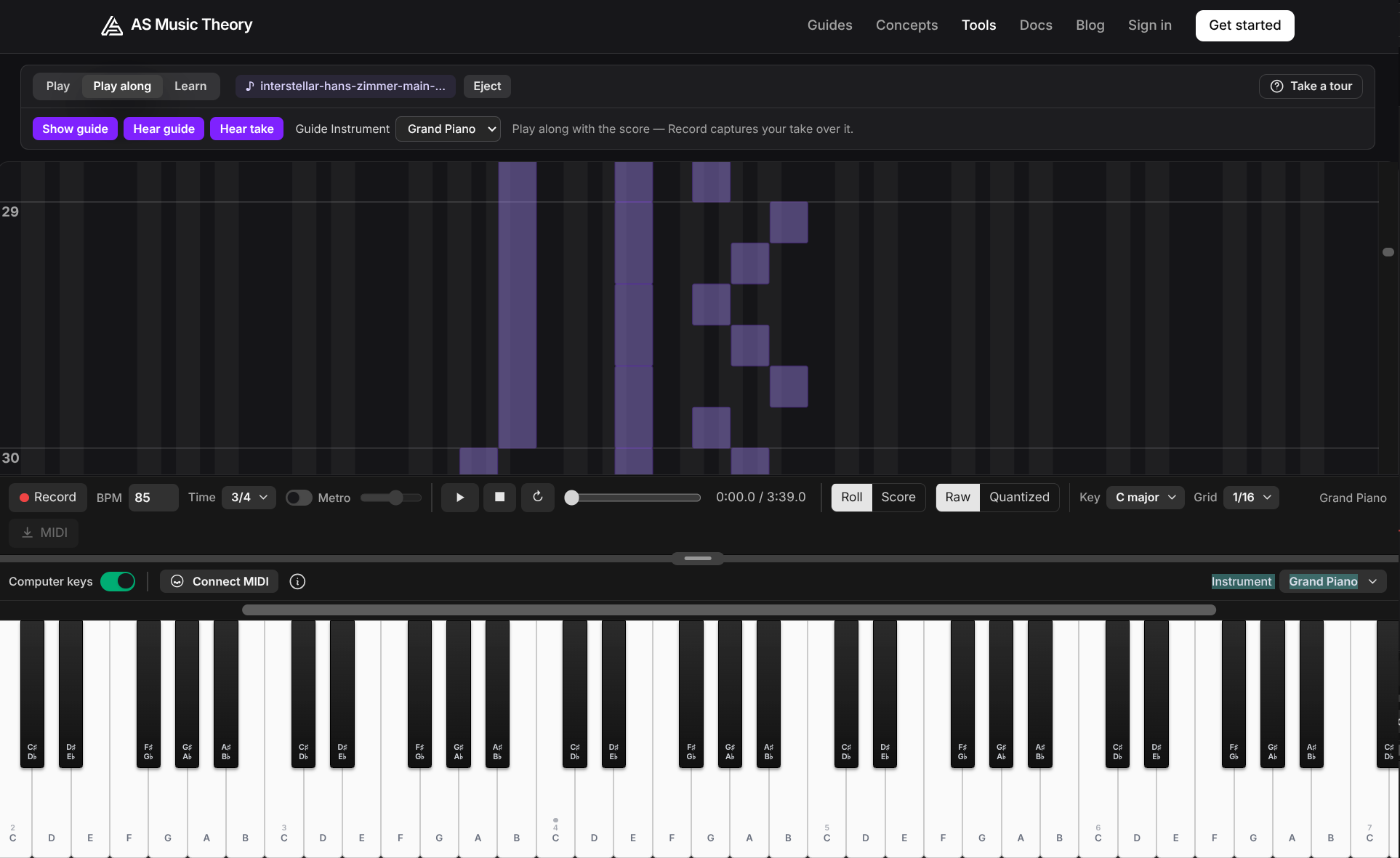
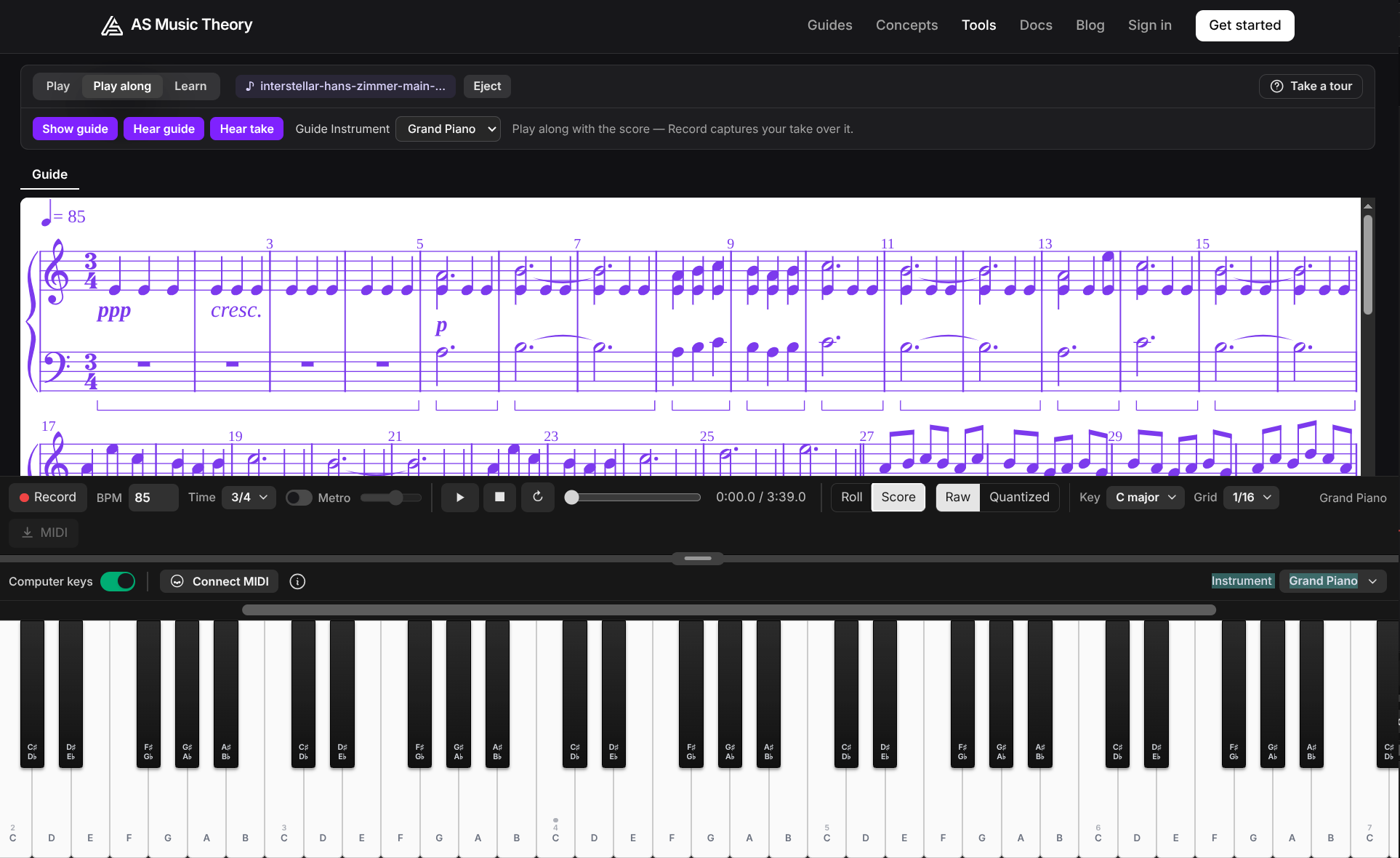
Record what you play on a scrolling roll or real notation, and practise any piece: load a MIDI or MusicXML score to play along, or let Learn mode step through it — advancing only when you hit the right notes and colouring them green as you go. Loop a passage to drill it, and export your takes to MIDI.
Ear Training
Train your ear on the keyboard. A note sounds and you find it by ear, with higher and lower hints to guide you, across interval, in-key, absolute, and pitch-class drills.
Scale Practice
Drill every scale from every root — play them, spell them, and recognise them by ear. Sign in and spaced repetition schedules your practice so you steadily master the modes, harmonic and melodic minor.
Sight Reading
Read four-bar excerpts on the staff and play them back on the keyboard — your notes turn green when right, pink when wrong. Sign in and spaced repetition schedules your reading practice across easy, moderate and advanced tiers.
Sight Reading Speed
Race the clock reading random notes on the grand staff. Pick a key signature and a note count, play the row in order on the keyboard - green when right, pink with a higher or lower arrow when wrong - and beat your best time. Confetti when you finish.